Loading


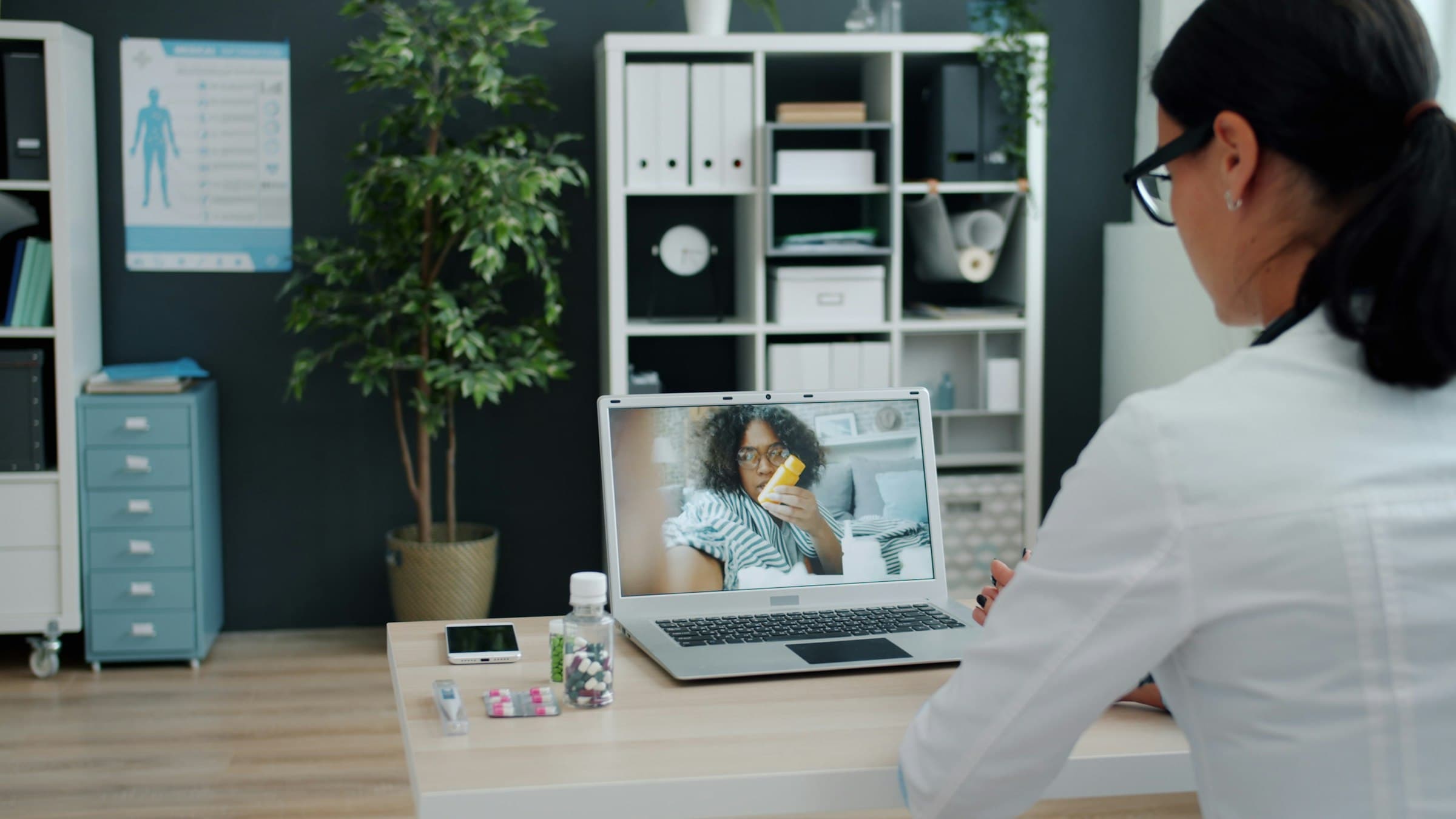
PinKenya connects you with licensed doctors and nurses across Kenya, from a video call to a nurse at your door.
Private consultations with verified doctors, by video, audio or chat.
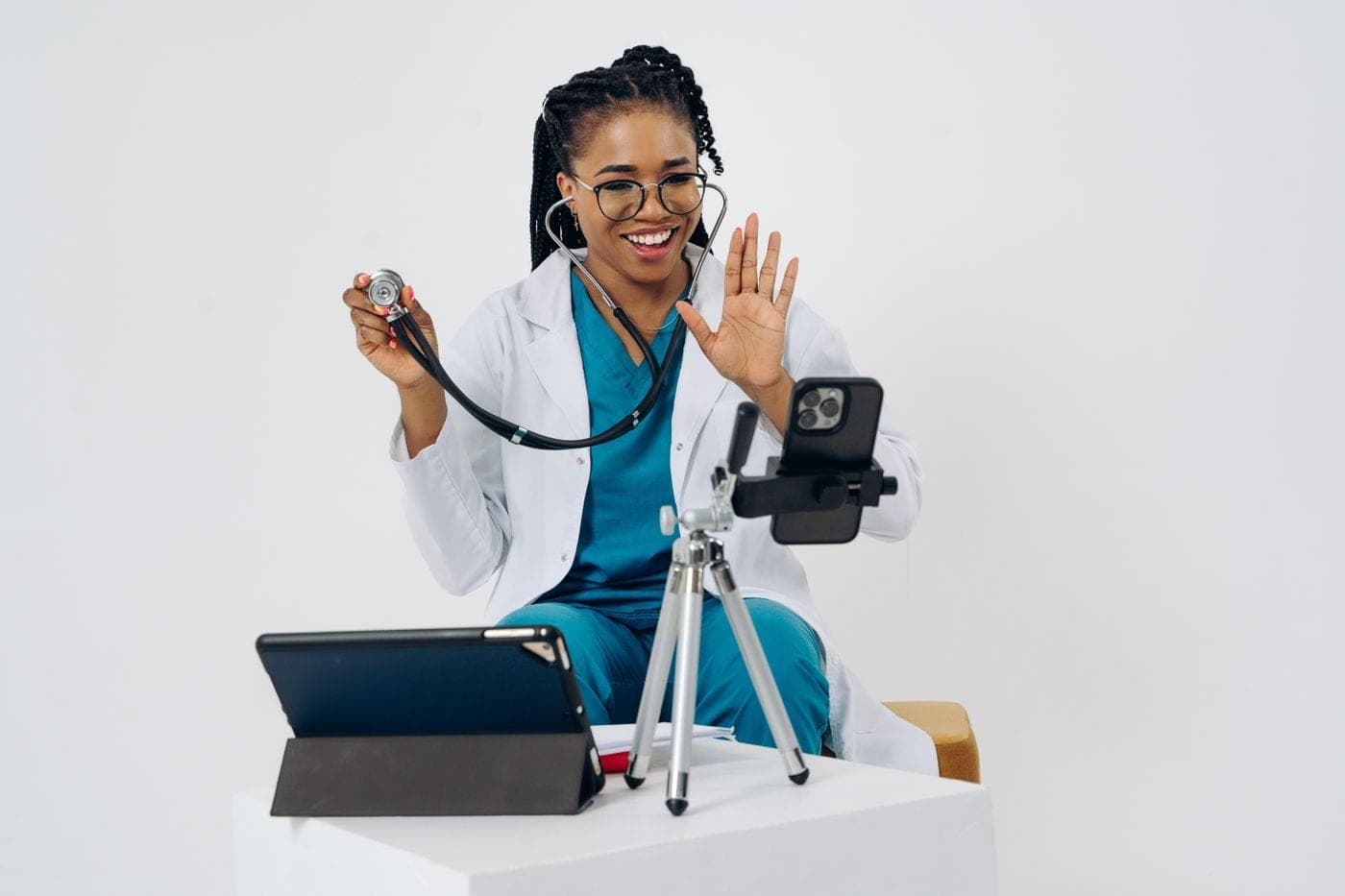
Video, audio or chat with a doctor from home. Most consultations start the same day.
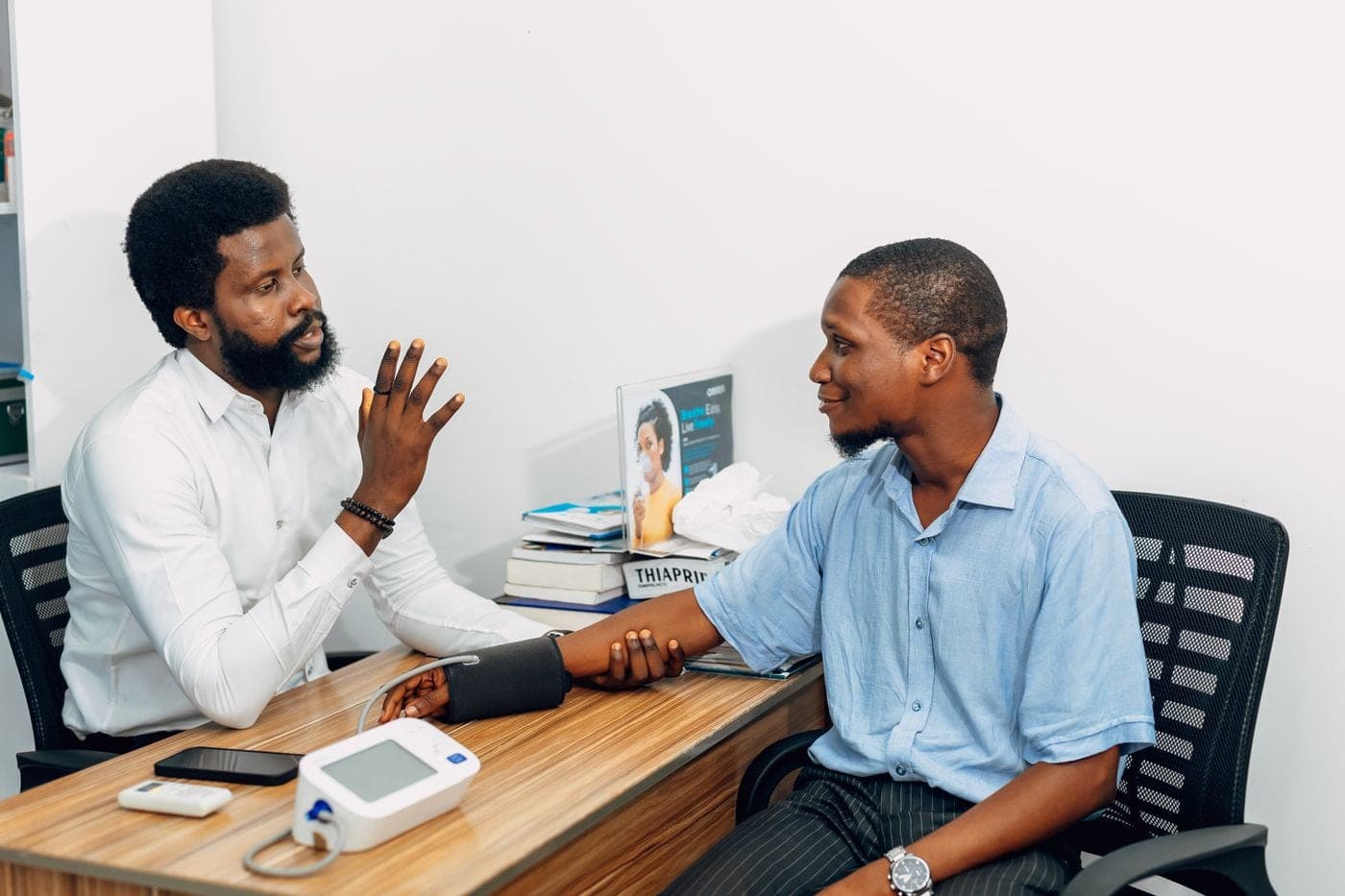
Book a doctor at their clinic or facility. The fee is shown in shillings before you commit.
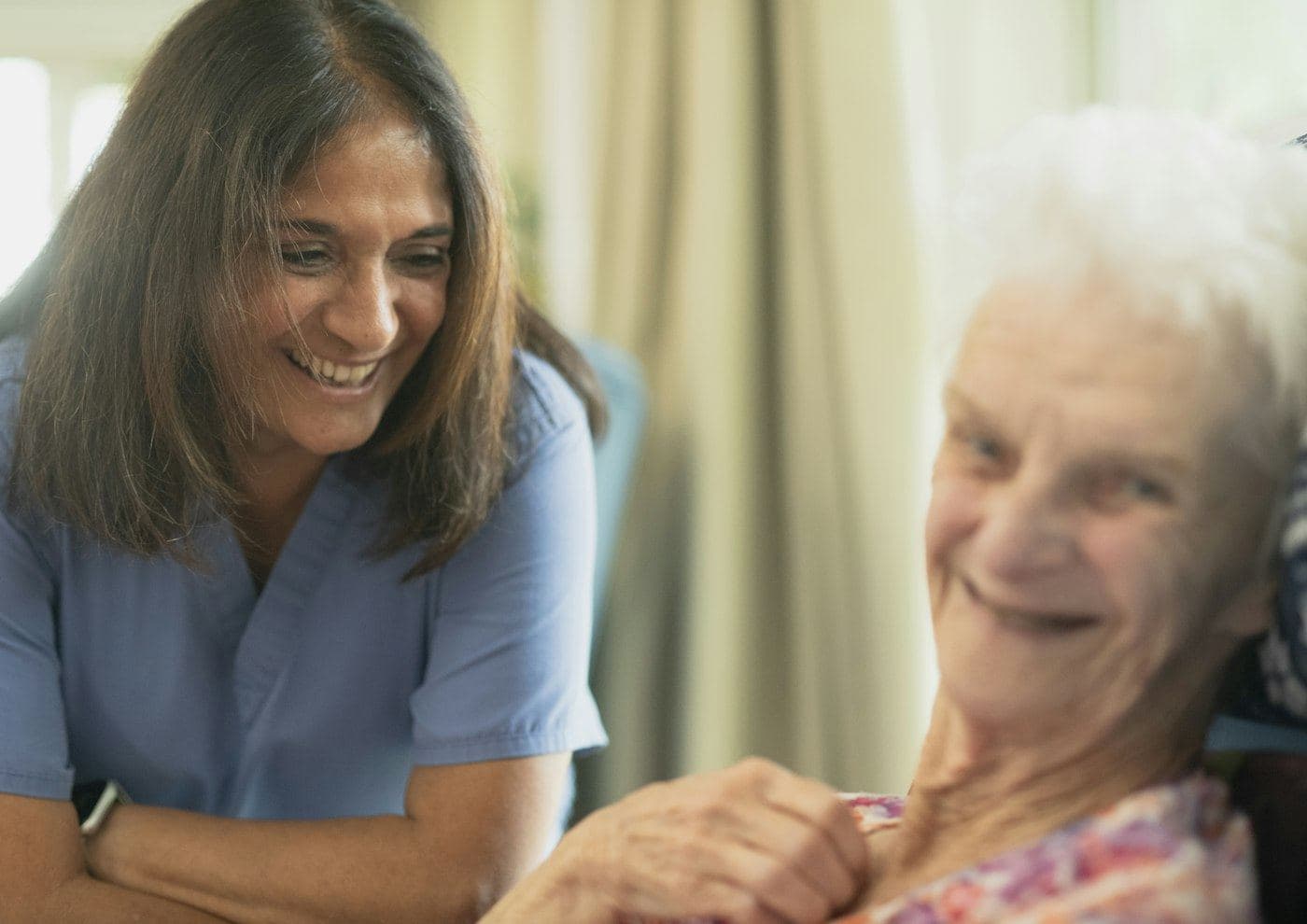
A nurse, physiotherapist, carer or doctor who comes to the house for as long as you need.
Five steps, from typing a symptom to reading your doctor's notes. Keep scrolling and the phone shows each one.
Type a symptom like fever, or a specialty, and pick your county. Every doctor shows their fee in shillings before you tap.
Choose a day, then a free time. Write a few lines about how you feel and tick the two consent boxes. It all fits on one page.
Payment runs through Paystack. For M-Pesa, a prompt comes up on your phone and you enter your PIN. PinKenya adds 10% to the doctor's fee, shown as its own line before you pay.
For a video visit, the room opens 15 minutes before your time. Open your booking and tap Go to the video room. For an in-person visit, go to the clinic at your time.
After the visit the doctor adds what to do, any prescription and when to follow up. It stays on your booking, so you can show it to another doctor later.
Nothing is charged until you have picked a time and seen the full price.
 Verified
Before a doctor, nurse or biomedical engineer appears on PinKenya, a person here reads their documents and approves them. Anyone who has not been through it says so on their profile.
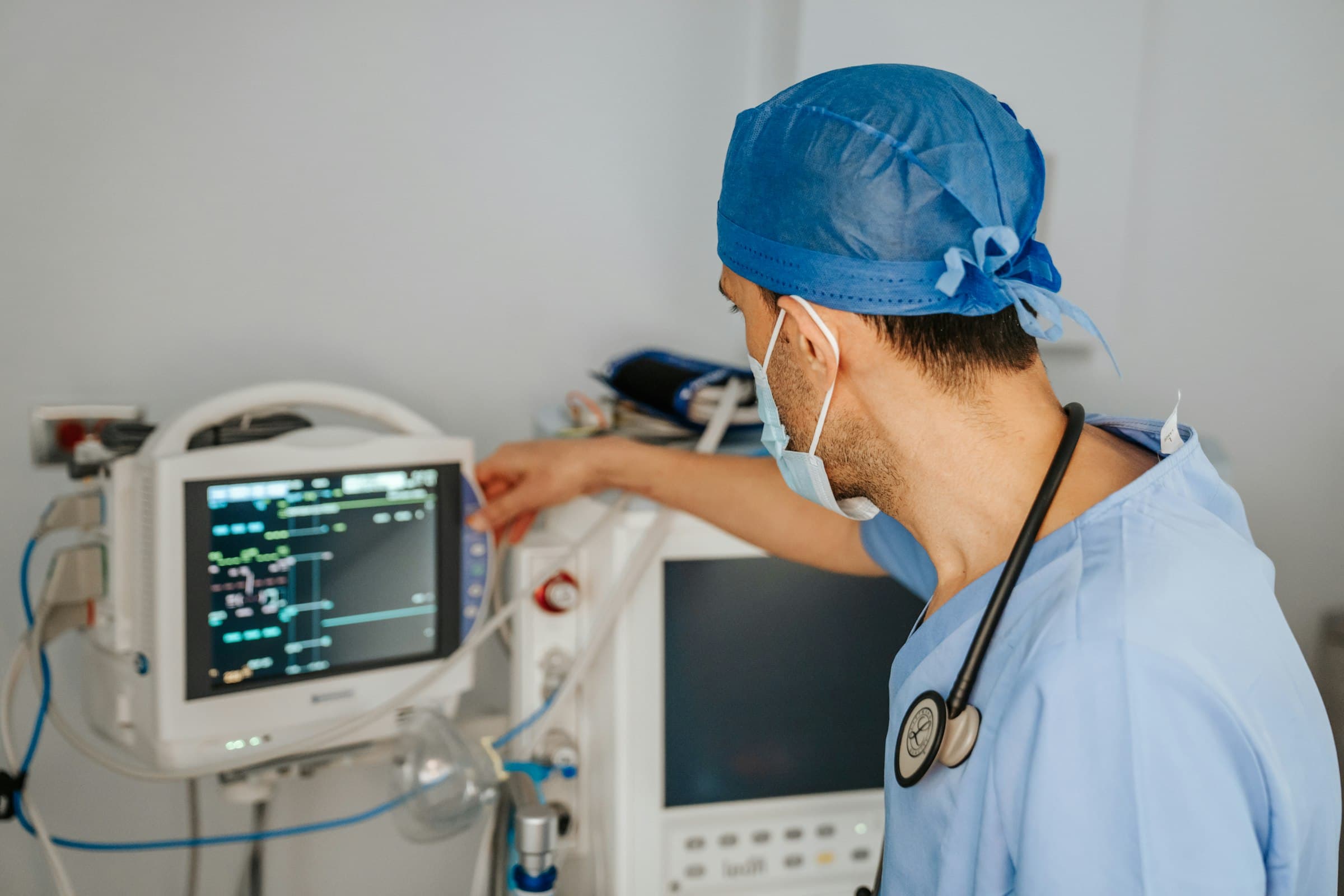
Hospitals, clinics and labs can reach biomedical engineers for servicing, repair, installation and preventive maintenance. Browse by specialty and send a request directly.
Find a biomedical engineer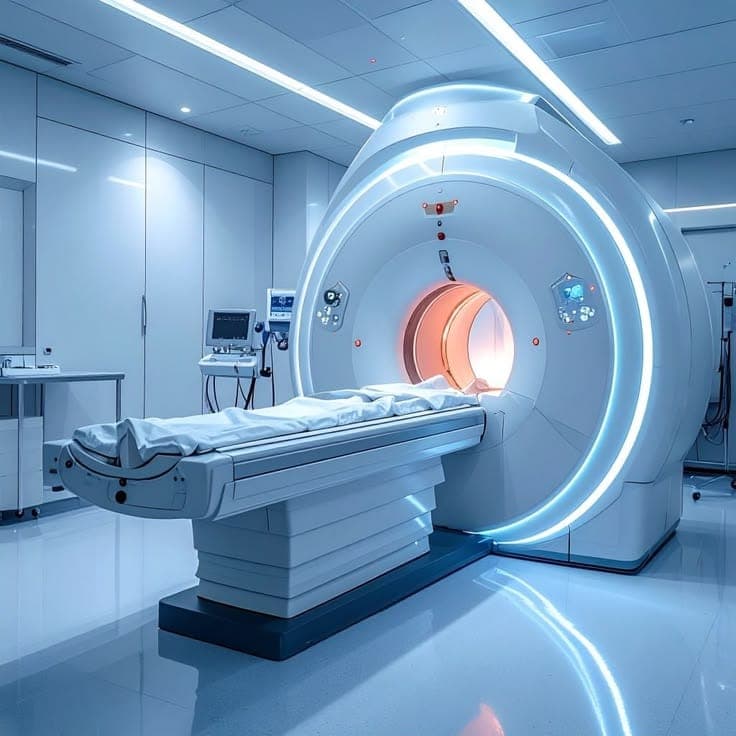
No app store needed. Add it once from your browser and PinKenya opens full screen from its own icon, with your bookings a tap away.
Some versions of Chrome call it Install app. Either one works.